Wireless Gaming Mouse Finder by Hand Size, Grip and Weight
Shortlist wireless gaming mice by shell size, grip, weight and connection.
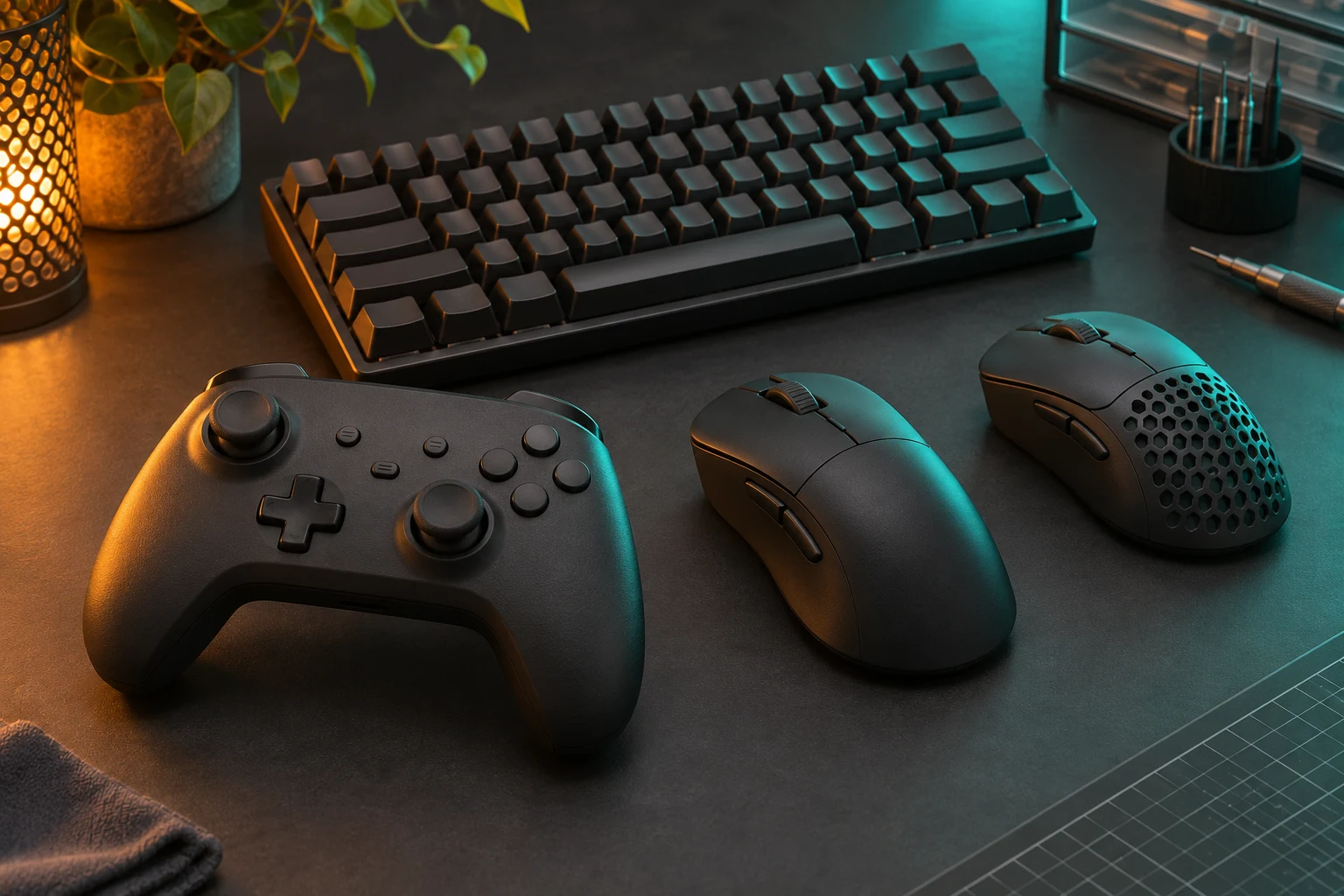
Shortlist wireless mice
Compare the published dimensions with a mouse you already know. Use the shape and grip checks in the guide to narrow your list.
5 matching entries
| Model | Shell length | Shape | Weight band | Wireless connection | Published specifications |
|---|---|---|---|---|---|
| Endgame Gear OP1w 4k v2 | Under 120 mm | Narrow symmetrical shell | Under 60 g | 2.4 GHz | Approx. 118.2 × 60.5 × 37.2 mm and 59.5 g. |
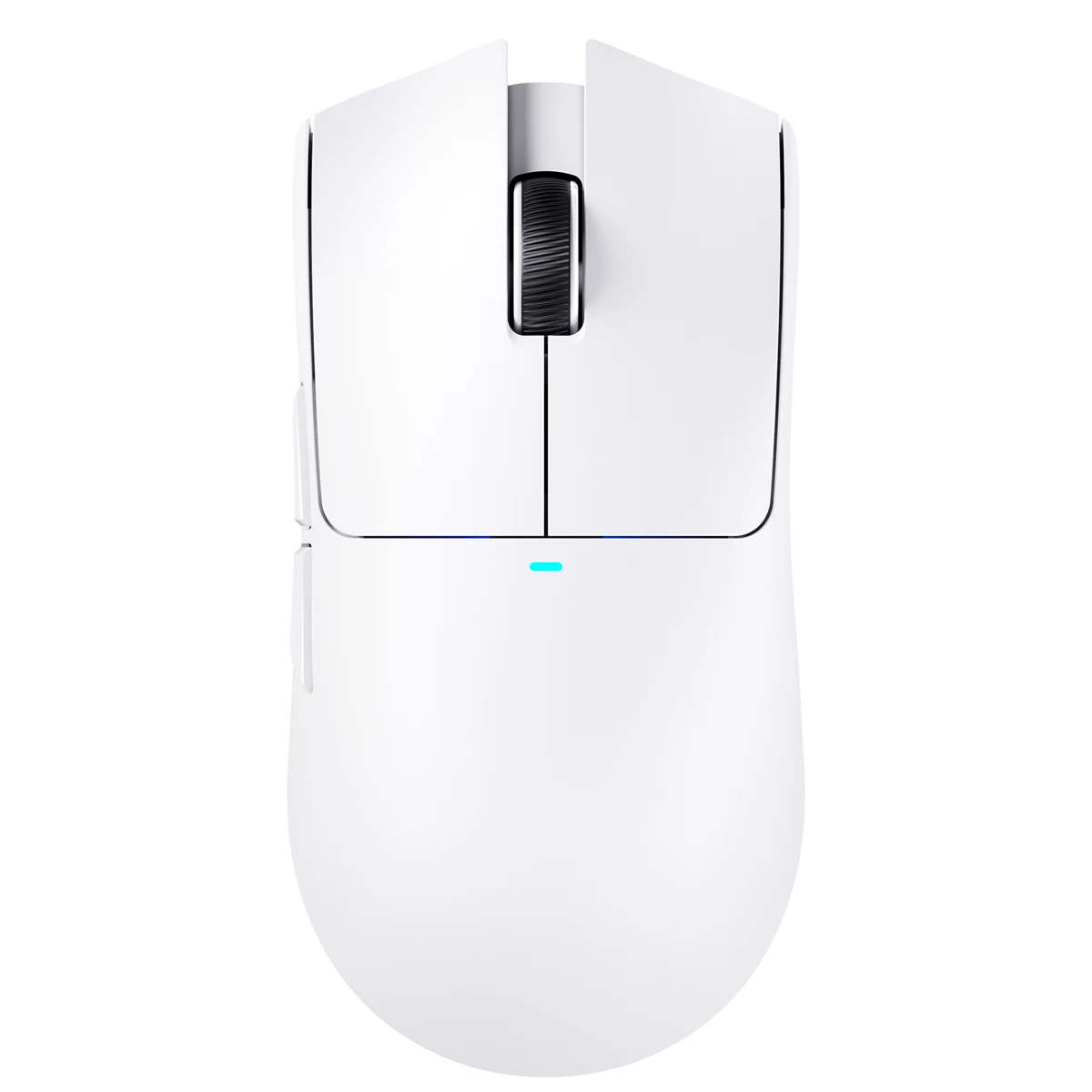
| Attack Shark X11 SE | 120–129 mm | Symmetrical shell | Under 60 g | 2.4 GHz and Bluetooth | 128 × 64 × 40 mm and 59 g ±1 g. |
| Attack Shark X11 | 120–129 mm | Symmetrical shell | 60–79 g | 2.4 GHz and Bluetooth | 128 × 64 × 40 mm and 63 g ±3 g. Includes a magnetic dock. |
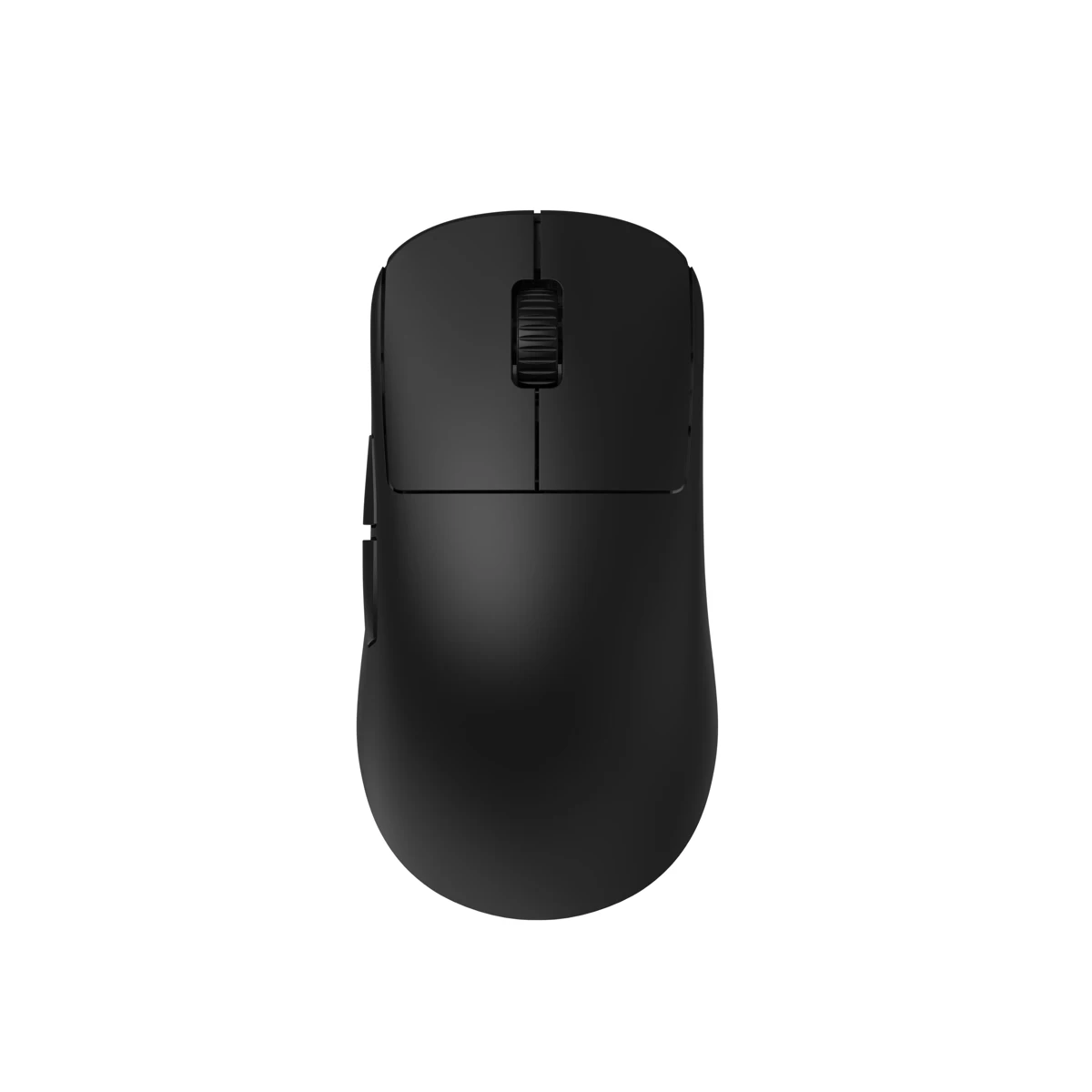
| Logitech G502 X LIGHTSPEED (MR0103) | 130 mm and over | Right-handed thumb rest | 100 g and over | 2.4 GHz | 131.4 × 79.2 × 41.1 mm and 102 g for model MR0103. The overall width includes the thumb rest. |
| ZOWIE FK2-DW | Check exact dimensions | Low-profile symmetrical shell | 60–79 g | 2.4 GHz | 65 g. ZOWIE describes this shell as medium and low-profile. |
The fastest way to narrow a wireless gaming mouse shortlist is to measure a mouse you already know. Record its dimensions, where it contacts your palm and how easily you reach the side buttons. Then decide what you want to change. A larger button area, a lower hump, better clearance for a fingertip grip and a receiver you can use on two computers are different requirements.
Measure your hand and your current mouse
Place your hand flat and relaxed. Measure from the wrist crease to the middle fingertip, and across the knuckles without the thumb. Record both values in millimeters. These numbers provide context when comparing reviews or discussing fit. Personal finger length, how you hold your wrist and the contact points you prefer still matter. Keep the length and width separate, especially if a reviewer matches one measurement but differs on the other.
Measure or look up the dimensions of a mouse that feels familiar. Keep overall length, widest point and height in separate columns. If you can, also measure the width where the thumb and smallest fingers actually pinch the shell. Particularly on a mouse with a thumb rest, the widest external point can be much wider than the useful grip area. Use a ruler or calipers without squeezing the plastic and mark where the measurements were taken. A quoted width without a reference point is still useful as a rough desk footprint.
Put the mouse on the pad and take a few pictures from directly above and from the side. The side view can show where the hump sits along the length of the body. Notice whether the mouse fills the centre of your palm or mostly supports the base nearer your wrist. Mark the part of the mouse that overlaps your palm in your ordinary grip. If you sometimes move into a different grip for another game, record it as a second fit.
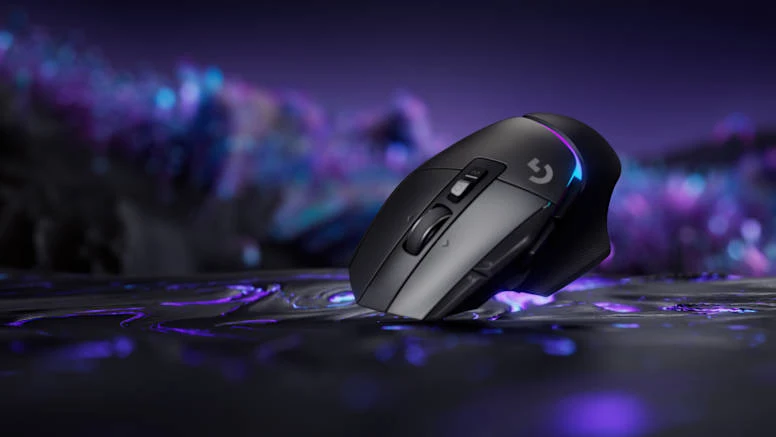
Use grip labels to describe contact
If your current mouse is under 120 mm long and already feels too short, start in the next length band. If you like its length but your fingers drag, keep the length similar and compare shell shapes. The finder describes the mouse. Your hand measurements tell you which dimensions are worth changing.
Palm, claw and fingertip describe common ways the hand meets the mouse. You can use parts of more than one. Play for five minutes without concentrating on grip, then stop with your hand in its ordinary position. See which part of the palm touches the shell and whether the fingers lie flat or curve toward the buttons. Repeat during a game with different movement or control demands. Choose candidates that support the positions you actually use.
| Contact pattern | Compare first | Test during a game |
|---|---|---|
| Most of the palm contacts the shell | Hump location, effective width and length to the buttons | Check support through your normal movement without forcing the thumb outward |
| Back of the hand makes intermittent contact with curved fingers | Rear support, side pinch and button height | Lift, recenter and reach both side buttons without losing grip |
| Fingertips and sides do most of the holding | Side shape and distance from buttons to palm | Check the space behind the mouse during downward pulls and quick changes of direction |
| One grip for aiming and another for general navigation | Where movement between positions meets a seam, hump or button | Switch repeatedly in the actual game and notice where reaching becomes awkward |
If a store has a display mouse, ask if you can try the relevant actions before you judge the fit. A static hold can make a large shell feel supportive and still miss what happens in a full swipe. Use the pointer for several precise movements, reach the top and side buttons and lift it where you would normally recenter. If all you know is that your current shell is too narrow, keep the other dimensions close while you change that one parameter first. That gives you a more legible comparison.
Use a different screen for button layout. Put your thumb in its resting position and see if you can reach the rear and forward buttons independently. Repeat after moving the mouse to the outside of your normal play area. In an action game, the second button might be difficult only when you are already lifting the mouse or holding the primary switch. Make a list of buttons your current game actually needs. If left-handed use matters, check where the buttons are placed even when the main shell is described as symmetrical. Search for photos from the side you will use and confirm the placement and software options for the exact model.
Use published specifications to form a shortlist
The examples below cover distinct bodies and wireless arrangements. Listed figures come from the manufacturer. These are published specifications. Weight and shell dimensions help you shortlist a mouse before a hands-on fit check. Compare a measurement you made with a listed value only after checking that both refer to the same part of the mouse.
| Exact mouse | Published length × overall width × height | Published weight | Wireless setup |
|---|---|---|---|
| Endgame Gear OP1w 4k v2 | Approx. 118.2 × 60.5 × 37.2 mm | Approx. 59.5 g | Included receiver, up to 4,000 Hz |
| Attack Shark X11 SE | 128 × 64 × 40 mm | 59 g ±1 g | 2.4 GHz receiver and Bluetooth, plus wired USB-C |
| Logitech G502 X LIGHTSPEED, original listing with 102 g chassis | 131.4 × 79.2 × 41.1 mm | 102 g | LIGHTSPEED receiver |
| Attack Shark X11 | 128 × 64 × 40 mm | 63 g ±3 g | 2.4 GHz receiver and Bluetooth, plus wired USB-C and a magnetic dock |
| ZOWIE FK2-DW | Medium, low-profile body in the published product table | 65 g | 2.4 GHz, up to 4,000 Hz with the enhanced receiver |
Endgame Gear's OP1w 4k v2 is the wireless model. The OP1 8k v2 uses a wire, and the name ends in a different polling-rate label. Attack Shark's X11 and X11 SE are separate products. Confirm the exact suffix, sensor and what ships in the box before comparing either with a docked listing. Logitech's G502 X family includes wired, LIGHTSPEED and PLUS models as well as different listing revisions. Keep the support specifications and product code beside the price if you are comparing two of them. Endgame Gear OP1w 4k v2 specifications · Attack Shark X11 SE specifications · Logitech G502 X LIGHTSPEED model specifications · Attack Shark X11 specifications · ZOWIE FK2-DW specifications
Separate weight from the way the mouse moves
A 60 g mouse and a 102 g mouse can feel very different when lifted, but weight alone cannot tell you how the body balances between your fingers, how much effort a particular foot needs to start moving across the pad or whether the side wall gives you a secure grip. To isolate the change, use the same mat and sensitivity and play the same short section of a game. Note how often you have to reset your grip. If you use a lightweight mouse to make large swipes, test braking and small corrections as well as the swipe itself.
If you weigh your own unit, explain what is included. Take off a charging cable that is normally detached. For a removable battery, record the battery type and whether it is present. Note replacement feet, a grip sleeve, tape, optional weights or a receiver stored in the body. Keep the scale on a flat surface and reweigh if the first readings disagree. Record the precision the scale displays and keep those readings distinct from manufacturer figures. It is easy to compare a complete mouse with a stripped specification if the inputs are omitted.
For more precision in the fit notes, describe which part of your hand contacts the shell while the mouse is still and which part contacts it while you are moving. If your smallest fingers slide off a rounded side when you lift, compare the slopes of two candidates at that contact point. If you need support closer to the wrist, use the side view to compare the hump position and raise it in the shortlist only when that is the difference you want. A one-millimetre dimension change is hard to interpret if the entire curve changes with it.
Choose the wireless and charging routine
If you use one PC, check where its USB receiver will sit, whether the supplied cable lets you put it near the pad and whether the desk leaves a convenient path for charging. For a laptop used away from home, check how you would carry the receiver and whether you will sometimes want a Bluetooth mode. A mouse that supports only its proprietary receiver may still work well across multiple computers if you can take the receiver with you. Testing each connection at the desk where it will be used is more informative than relying on a single marketing range claim.
Think about what needs to happen after the battery warning. If you want to keep playing while charging, confirm whether your exact model can operate through its cable and whether the plug reaches without limiting your sweep. If a dock is the reason you want it, check whether it is included, optional or absent on that variant. Draw the charging position on your desk so you can see how much room it needs when you park the mouse. Include the risk of misplacing a removable receiver if you take the mouse between rooms. Storage in the body may matter more than a small battery difference for a device that travels.
A high maximum report rate is a setting and depends on the device and receiver. Use the one you can sustain across your games and normal battery routine. ZOWIE lists 80 hours at 1,000 Hz, 30 hours at 2,000 Hz and 24 hours at 4,000 Hz for the FK2-DW. These are manufacturer figures for that model. They show why you should note the reporting mode whenever you compare uptime, and why actual charging frequency matters. If you switch frequently, see whether the mouse offers controls you can use without disrupting the game. ZOWIE report rate and battery specifications
Try two shortlists and keep the better fit
Build one shortlist with a familiar weight and a different shape, and another with a familiar shape and a different weight. This is useful if you cannot work out which change will solve the problem. Give every row a reason to be there, like better ring-finger clearance or a thumb control you can reach without moving your palm. Mark unknown specifications and check them before ordering if they could rule out the device.
Use your own measurements to set tolerances rather than converting hand length into a rule that chooses one mouse for you. Check whether the site matches a dimension you need to change or is just counting every specification as useful. A reasonable starting comparison might preserve the length you already like and change only the grip width. If the filters return few options, broaden the measurement that least affects play and keep your essential connectivity and button placement fixed.
While a return is possible, try the usual game, its busiest control sequence and general desktop use. Do a repeated large sweep, lift and recenter, tap both side buttons, scroll through an inventory and park the mouse to charge. Check whether a setting change is responsible for any difference in performance. Keep one thing constant at a time, including game sensitivity, pad and receiver placement. The strongest fit decision is an improvement you can reproduce after the novelty of the new shape wears off.